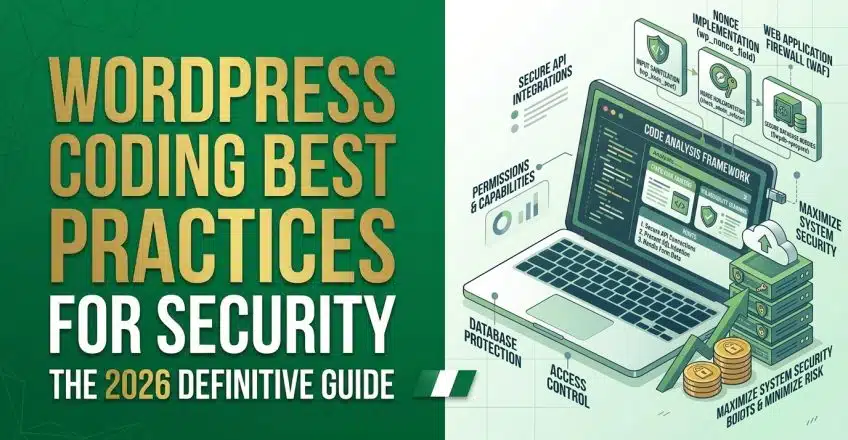

When you build a custom theme or add a new feature to your website, it is incredibly easy to focus purely on making things look good while completely ignoring how hackers might exploit your code. You do not need to be an advanced cybersecurity analyst to write safe code. By understanding a few core concepts, you can protect your digital storefront from the most common vulnerabilities on the internet.
The Ultimate Guide to WordPress Coding Best Practices for Security
The golden rule of web development is simple: never trust user input. Whether a visitor is filling out a contact form or submitting a product review, you must assume their input might contain malicious code designed to break your website.
If you take data directly from a form and place it into your database without cleaning it, a hacker can execute a SQL Injection—a technique where they use form fields to send commands directly to your server, potentially wiping out your entire product catalog.
To prevent this, you must build a defensive wall around your data using native functions that filter out the garbage before it ever touches your server’s memory.
Data Sanitization in WordPress Coding Best Practices for Security
Securing your data flow relies on three distinct steps. Think of it like a water filtration system for your code.
-
Validation: This is the process of checking if the data is the correct type. If a user is supposed to enter their age, validation checks to ensure they actually typed a number and not a block of text. If it is not a number, the system rejects it immediately.
-
Sanitization: This happens before the data is saved to your database. It cleans the input by stripping away dangerous characters or HTML tags. If a hacker tries to submit a script tag in a comment box, proper sanitization will delete the script before it is ever stored.
-
Escaping: This is the final layer of defense. Escaping cleans the data exactly at the moment it is displayed on the screen. It ensures that even if bad code somehow made it into your database, it is rendered as harmless plain text rather than an active, executable script in the visitor’s browser.
Using Hooks Safely in WordPress Coding Best Practices for Security
To add custom features, developers use a system called “hooks.” Hooks allow you to tie your custom code into the main system without actually modifying the core software files. There are two types: actions (which do something, like sending an email) and filters (which change something, like altering the title of a post).
While hooks are powerful, they must be used carefully. If you write a custom function that deletes user accounts and attach it to a hook without checking who is logged in, anyone visiting that specific URL could trigger the deletion.
-
Use Capability Checks: Before your custom function runs, you must explicitly check if the current user has the right permission level. You must verify they are an Administrator and not just a standard Subscriber before allowing the code to execute.
-
Implement Security Nonces: A “nonce” stands for “number used once.” It is a unique, hidden token added to forms and links. When a user submits a form, your code checks if the nonce matches the one generated for that specific user. This prevents hackers from tricking a logged-in administrator into accidentally clicking a disguised link that triggers a destructive action.
Writing safe code is the foundation of a stable business, but even perfect code will fail if it is hosted on a vulnerable, outdated server. Stop risking your business reputation on unsecure shared hosting environments that lack basic firewalls. Deploy your custom digital platforms on SternHost today. For just ₦1,195.00/month, you receive enterprise-grade server security, automatic threat mitigation, and the unshakeable reliability necessary to protect your customers flawlessly.