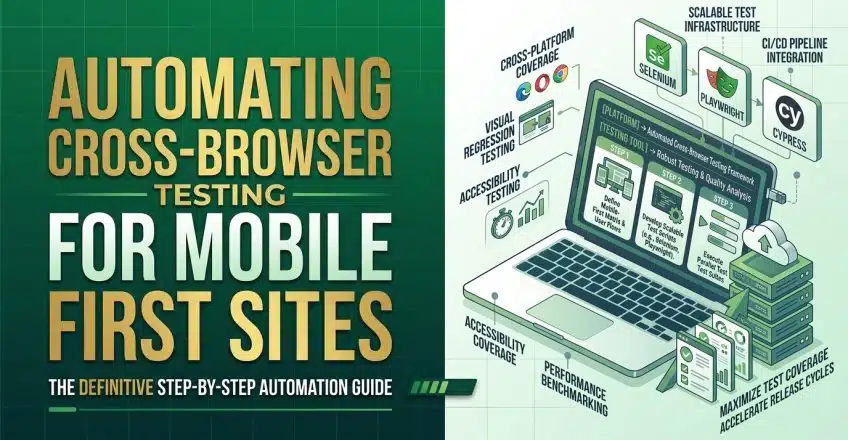

With mobile data costs fluctuating and local internet latency remaining unpredictable, building a digital platform that only functions perfectly on a high-end desktop monitor is a massive operational risk. Customers across Lagos, Abuja, and Port Harcourt frequently navigate the web using a fragmented mix of smartphone brands, running varying versions of Chrome, Safari, and Opera Mini. When an e-commerce checkout button shifts off-screen or fails to load on a specific mobile browser, the potential buyer does not troubleshoot the issue; they simply abandon the site. Ensuring that every visual element and payment API functions flawlessly across this chaotic landscape is essential for local business survival.
Automating Cross Browser Testing for Mobile First Growth
Relying on manual quality assurance to check every single smartphone and browser combination is simply too slow for agile development teams. As local agencies push out daily updates to product catalogs or integrate new USSD payment gateways, attempting to verify each change manually across fifty different screen sizes creates a massive bottleneck. This is where artificial intelligence drastically alters the development workflow. By leveraging AI-powered platforms, developers can instantly simulate how a web application renders and behaves across thousands of real-world device configurations without purchasing a massive physical hardware lab.
When your digital operations prioritize the mobile experience, the underlying code must be rigorously evaluated against the specific mobile rendering engines heavily utilized in the Nigerian market. Advanced testing agents do not just verify if a webpage loads; they actively capture visual snapshots to ensure that promotional banners, interactive forms, and navigation menus remain perfectly aligned across different viewports. This proactive approach guarantees that users experiencing temporary network drops or accessing your site via older 3G smartphones still receive a highly professional, secure browsing experience.
How Automating Cross Browser Testing Protects Revenue
The financial impact of browser incompatibility is often underestimated by new entrepreneurs. If your integration with local platforms like Paystack or Flutterwave relies on specific JavaScript triggers that fail to execute in older mobile browsers, you are silently losing transactions every single hour. AI-driven testing frameworks eliminate this blind spot by running continuous background scripts that simulate actual user journeys. These tools automatically click through your entire sales funnel, input dummy data, and report any localized rendering failures directly to your development team before the website goes live.
Furthermore, integrating these intelligent workflows directly into your business formalization process allows you to scale rapidly without expanding your payroll. Self-healing artificial intelligence tools automatically update their testing parameters and element locators when you change the color or size of a button, drastically reducing the time your team spends fixing broken test scripts. This efficiency allows you to focus your energy on marketing strategies and customer engagement, knowing your digital storefront is fully fortified against display errors.
Practical Steps for Automating Cross Browser Testing
Deploying an intelligent testing workflow does not require a complex engineering background, but it does demand a structured approach to quality assurance. By connecting cloud-based testing grids to your existing development pipeline, you can catch layout bugs and API timeouts before they ever reach your local audience.
You must implement the following strategic steps to guarantee total device compatibility:
-
Utilize cloud testing grids to simulate actual mobile operating systems that are heavily popular in the local consumer market.
-
Configure visual regression tools to automatically take screenshots of your critical checkout pages across multiple mobile screen resolutions.
-
Instruct your AI agents to simulate slow network conditions to verify how your fonts and images render during severe latency.
-
Set up continuous integration pipelines that automatically halt website updates if the AI detects a broken payment link on a mobile browser view.
-
Prioritize testing on mobile browsers heavily used locally, specifically focusing on data-saving browsers that aggressively compress scripts.