
Your Black Friday Website Checklist: Get Ready Before 27 November
Black Friday falls on Friday 27 November 2026, and Nigerian shoppers are already watching Jumia, Konga and Instagram for deals. If you sell online, the extra attention is a big opportunity, but only if your website stays fast, takes payment smoothly and makes it easy to buy. Use this Black Friday website checklist in the next few days, while there's still time to fix things calmly.
It's written for small online stores on WordPress and WooCommerce, but most steps apply to any website that takes orders.
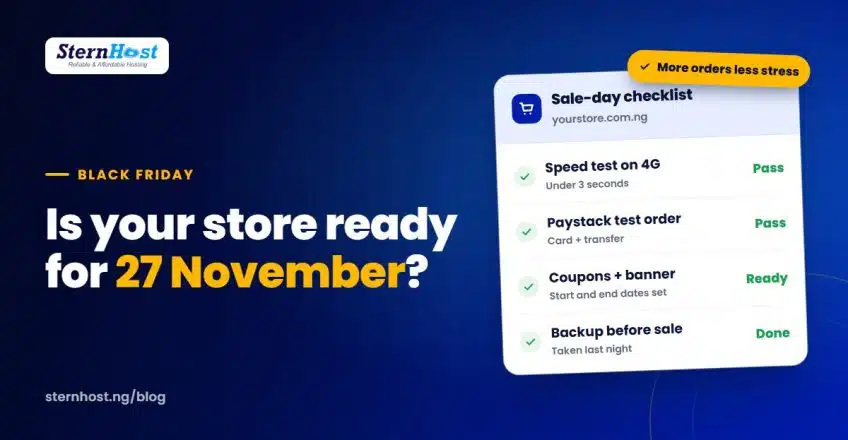
Quick answer: at least a week before sale day, test speed on mobile data, place a test Paystack order, set up your coupons and banner with start and end dates, update stock and delivery information, take a full backup, and freeze changes until the sale is over.
1. Make your website fast on mobile data
Most of your shoppers will be on their phones, many on MTN, Airtel or Glo data. A slow store loses them before they see your deals.
- Open your store on mobile data, not office Wi-Fi, and time how long the home page and a product page take.
- Compress product images. Large photos are the most common cause of slow stores.
- Make sure caching is on.
- Remove plugins you no longer use.
Our guide to fixing a slow website in Nigeria covers each of these step by step.
2. Test payment from start to finish
A broken checkout on Black Friday is the most expensive bug you can have.
- Place a real test order with a cheap product (or a ₦100 test product), paying by card and by bank transfer.
- Confirm the order is marked Paid automatically in WooCommerce.
- Check you and the customer both receive the email confirmation.
- Refund the test order.
If orders stay "Pending" after payment, the Paystack webhook is usually the problem. Our Paystack WooCommerce setup guide shows how to fix it.
3. Set up your deals properly
- Create coupons in advance with start and end dates, usage limits and minimum order amounts if needed. WooCommerce's coupon management guide explains each option.
- Use sale prices on products with scheduled dates, so they start and end automatically.
- Add a clear banner at the top of your site: what the deal is and when it ends.
- Create a "Black Friday deals" page or category so shoppers can see every offer in one place, and share that link on Instagram and WhatsApp.
4. Update stock, prices and delivery information
- Check stock levels so you don't sell items you don't have. Turn on stock management in WooCommerce.
- State delivery times and areas clearly, including expected delays for the busy period.
- Show delivery fees before checkout. Surprise fees at the last step are a top reason for abandoned carts.
- Explain your returns policy in plain words.
5. Make it easy to ask questions
Shoppers often want to confirm a size, colour or delivery date before paying.
- Put your WhatsApp number and phone number where they're easy to find.
- Prepare quick replies for common questions.
- Answer the top questions on product pages, so fewer people need to ask.
6. Protect the store before the rush
- Take a full backup the night before the sale starts, and keep it until the sale is over.
- Update plugins a week early, not on sale day. Then stop making changes.
- Check your SSL padlock and that your domain and hosting aren't due for renewal during the sale.
- Watch for fake "payment alerts". Only ship once the order shows as paid in WooCommerce and Paystack.
7. Have a plan for sale day
- Decide who checks orders and who replies to messages, and when.
- Keep your hosting provider's support contact handy.
- Know the quick checks if something breaks. Our website is down checklist covers the most common causes.
- After the sale, email or WhatsApp your new customers to thank them, and invite them back for December.
Your Black Friday website checklist at a glance
| When | Task |
|---|---|
| 7+ days before | Speed test on mobile data, image compression, plugin updates |
| 5 days before | Coupons and sale prices scheduled, deals page and banner ready |
| 3 days before | Test Paystack order (card and transfer), stock and delivery info updated |
| Night before | Full backup taken; changes frozen |
| Sale day | Orders checked regularly, messages answered, support contact ready |
| After the sale | Thank customers, review what sold, plan December offers |
Frequently asked questions
When is Black Friday 2026 in Nigeria?
Black Friday 2026 is on Friday 27 November. Many Nigerian stores run deals across the whole of November, so start promoting early.
What should be on a Black Friday website checklist?
Mobile speed, a working Paystack checkout, scheduled coupons and sale prices, accurate stock and delivery information, easy contact options, a full backup and a plan for who handles orders on the day.
Can my hosting handle Black Friday traffic?
Most small stores are fine on good shared hosting if the site is optimised with caching and compressed images. If your store slows down at busy times already, talk to your host about upgrading before the sale.
Should I change my website design before Black Friday?
Not close to the sale. Make big changes well in advance, then freeze the site in the final week so nothing breaks when shoppers arrive.
Make sure your store can keep up
Speed and reliability matter most when shoppers arrive in a rush. SternHost hosting runs on fast LiteSpeed servers with daily backups, free SSL and malware protection, all billed in naira, so your store is ready for Black Friday and the December rush.
Get fast web hosting from ₦1,195/month and give your shoppers a store that loads quickly and takes their payment the first time.